


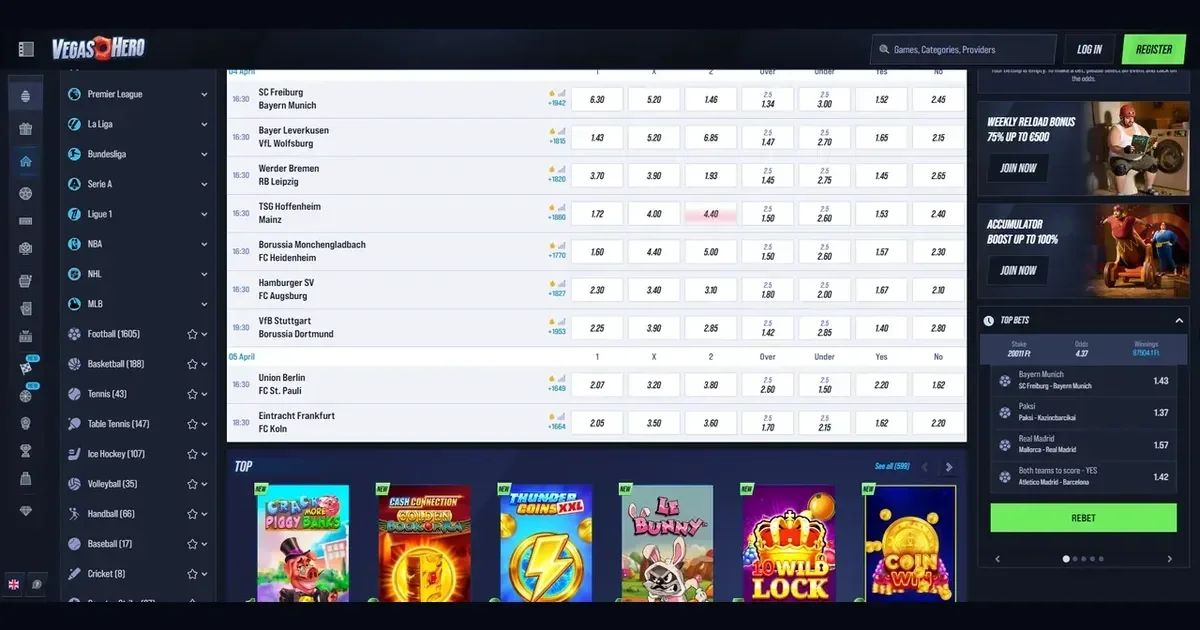
This policy explains how Vegashero uses cookies and similar tracking technologies on vegashero-online.gr. We keep it straightforward — what gets stored, why it is there, and what you can do about it.
What cookies do on this site
A cookie is a small text file a website stores on your device. When you return, the site reads it and recognises your browser. Cookies let us remember your preferences, analyse how visitors use the site, and show you relevant content.
We do not use cookies to identify you personally. They track devices and browser sessions, not names or contact details.
The cookies we set
Essential cookies keep the site working. They remember your session, your language choice, and whether you accepted this policy. You cannot turn them off without breaking core functions.
Analytics cookies measure traffic and behaviour — which pages get the most visits, how long people stay, where they drop off. We use this data to improve the layout and content. These require your consent.
Preference cookies store settings you choose — layout options, display modes, filters. They make repeat visits smoother. These also require consent.
| Category | Purpose | Retention | Consent required |
|---|---|---|---|
| Essential | Session management, site security | Session or 1 year | No |
| Analytics | Traffic measurement, performance tracking | Up to 2 years | Yes |
| Preference | User settings, display options | Up to 1 year | Yes |
Third-party scripts we embed
Some pages embed content from external services — video players, analytics platforms, advertising networks. These services may drop their own cookies, governed by their own policies rather than ours.
We choose partners carefully and review what they track. You can block third-party cookies in your browser settings without losing access to our content.
Controlling cookies in your browser
Every modern browser lets you refuse or delete cookies. The exact steps depend on which one you use.
- Chrome: Settings → Privacy and security → Cookies and other site data. Choose "Block third-party cookies" or "Block all cookies".
- Firefox: Settings → Privacy & Security → Cookies and Site Data. Select "Delete cookies and site data when Firefox is closed" or use strict tracking protection.
- Safari: Preferences → Privacy. Tick "Block all cookies" or "Prevent cross-site tracking".
- Edge: Settings → Cookies and site permissions → Manage and delete cookies. Block third-party cookies or clear them on exit.
Blocking all cookies will stop the site remembering your preferences and may break some interactive features. Blocking third-party cookies while allowing first-party ones is a reasonable middle ground.
The consent banner and what happens if you decline
When you first visit, a banner asks whether you accept non-essential cookies. Click "Accept" and we store analytics and preference cookies. Click "Reject" and only the essential ones remain.
Declining does not lock you out. The site still works — you just will not get personalised suggestions, and we will not track how you navigate between pages. You can change your mind later by clearing cookies and revisiting the banner.
Changes to this policy
We update this document when our cookie use changes — if we add a new analytics tool, switch providers, or extend retention periods. The date at the bottom shows the last revision.
Significant changes are flagged on the homepage for two weeks. Continued use of the site after an update means you accept the revised terms.
Questions or concerns
If something here is unclear, or if you want to know which specific cookies a page has set, email us at [email protected]. We will respond within 48 hours.
Last updated: 26 March 2026
Access to this site is restricted to persons aged 18 and over (18+). If gambling ever stops feeling like entertainment, free and confidential help is available at BeGambleAware.org.